
In our post, “7 Reasons WordPress is the Best Choice for Small Business Websites“, we explored how WordPress excels in affordability, scalability, and fast deployment. But when your WordPress site is live, the real game changer is the in plugins—the secret tools that enhance your site’s functionality and help your business reach its full potential.
With over 50,000 plugins available, WordPress offers endless possibilities to customize your site for SEO, security, speed, design, and more. But with so many options, how do you choose the right ones? In this post, we’ll explore 5 essential WordPress plugins that we at RayaTech recommend, along with tips for selecting the best plugins for your needs.
Key Takeaways
- Plugins unlock potential: From SEO to backups, plugins add advanced features to WordPress without requiring custom coding.
- Choose wisely: The right plugins save time, improve performance, and enhance user experience.
- Empower your website: These 5 plugins are must-haves for small businesses looking to scale and succeed online.
What Are WordPress Plugins, and Why Are They Essential?
WordPress plugins are like small apps for your website. They’re small software tools that integrate seamlessly with WordPress to add or enhance functionality. Whether you’re a small business, a large business, or an ecommerce brand, plugins allow you to customize your site without needing extensive technical skills.
How Plugins Improve Your Website
Plugins can:
- Optimize your site for SEO, helping you in ranking higher on Google.
- Secure your website against malware and brute force attacks.
- Speed up your site’s loading time for better user experience.
- Automate backups to protect your data.
By choosing the right plugins, you save time and money while offering a better user experience for your visitors.
Criteria for Selecting the Best WordPress Plugins
With over 59,000 plugins available, how can one choose the right ones? Here are a few of the things we look for at RayaTech:
- Popularity and Ratings: Highly-rated plugins with thousands of active installations are usually more reliable.
- Compatibility: Ensure the plugin works with your WordPress theme and version.
- Ease of Use: The best plugins are intuitive and user-friendly, even for beginners.
- Support and Updates: Regular updates, plus active developer support.
- Responsiveness to questions: whether the plugin’s developers actively respond to user support questions.
The Top 5 WordPress Plugins to Supercharge Your Website
Here are our top recommendations based on years of experience working with WordPress websites. These plugins cover essential areas like SEO, security, speed, design, and backups.
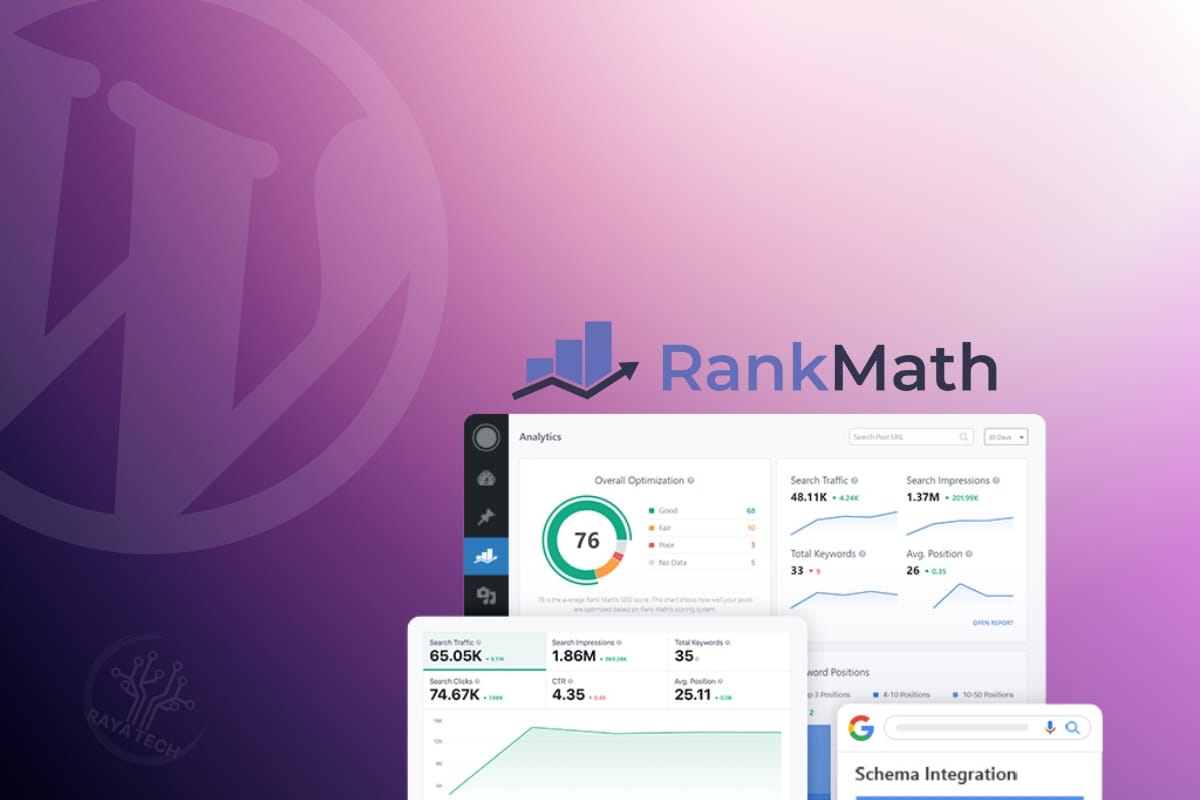
1. RankMath: The SEO Hero
Why We Recommend It
RankMath is one of the most reliable and user-friendly SEO plugins on the market. It offers many advanced features for free that rival paid alternatives, making it ideal for small businesses looking to optimize their content without breaking the bank.
Purpose and Primary Use Case
RankMath helps website owners improve their on-page SEO, making it easier to rank higher in Google searches. Whether you’re targeting local customers or expanding globally, RankMath simplifies the process of optimizing your site.
Top Features and Benefits
- Keyword Optimization: Optimize posts for multiple focus keywords.
- Schema Markup: Supports 20+ types of schema for rich snippets in search results.
- Google Integration: Track performance with Google Analytics and Search Console.
- 404 Monitor and Redirect Manager: Fix broken links to enhance user experience.

2. Elementor: Design Without Limits
We already covered why Elementor is our recommended no-code website builder in another article. But here’s a recap.
Why We Recommend It
Elementor is the go-to plugin for creating stunning, responsive websites without coding. With its drag-and-drop builder and vast library of templates, it’s perfect both for beginners and professionals.
Purpose and Primary Use Case
Elementor simplifies the website design process, allowing users to create visually appealing pages with ease. It’s especially useful for small businesses that want professional designs without hiring a developer.
Top Features and Benefits
- Drag-and-Drop Editor: Build pages visually without coding.
- Responsive Templates: Choose from hundreds of pre-designed templates.
- Third-Party Add-Ons: Expand functionality with additional widgets and tools.
3. All In One WP Security: Simplify Protection
Why We Recommend It
This plugin offers robust security features without slowing down your site. It’s lightweight, user-friendly, and perfect for small businesses that need reliable protection against cyber threats.
Purpose and Primary Use Case
All In One WP Security protects your WordPress site from brute force attacks, spam, and unauthorized access. It’s particularly beneficial for users who want a comprehensive security solution without technical complexity.
Top Features and Benefits
- Login Protection: Prevent brute force attacks with automatic lockouts.
- File Monitoring: Detect unauthorized changes to files.
- Two-Factor Authentication (2FA): Add an extra layer of login security.
4. Speed Optimization Plugins
Why We Recommend Them
A fast-loading website isn’t just a luxury—it’s a necessity. Slow websites frustrate visitors, hurt conversions, and negatively impact SEO rankings. Depending on your budget, hosting setup, and technical expertise, here are the top options to optimize your website’s speed:
WP Rocket
This premium caching plugin is known for its ease of use and powerful optimization tools. WP Rocket is designed to enhance page load times with minimal effort, making it ideal for users who want a robust solution without technical complexity.
W3 Total Cache
A free and popular choice among WordPress users, W3 Total Cache optimizes website performance through multiple caching layers, including page caching, database caching, and object caching. It’s suitable for both small blogs and large ecommerce sites, offering scalability for growing businesses.
LiteSpeed Cache (LS Cache)
Specifically designed for websites hosted on LiteSpeed servers, LS Cache provides server-level caching and other optimizations for LiteSpeed environments. It’s a high-performance option for users on compatible hosting plans.
Key Features and Functionalities
Feature | WP Rocket | W3 Total Cache | LS Cache |
Page Caching | Yes | Yes | Yes |
Browser Caching | Yes | Yes | Yes |
Database Optimization | Yes | No | Yes |
Cache Preloading | Yes | No | Yes |
Minification | Yes | Yes | Yes |
CDN Compatibility | Limited | Extensive | Extensive |
Lazy Load | Yes | Yes | Yes |
Free Version Available? | No | Yes | No |
Our Recommendation
While all three plugins are excellent, WP Rocket is our top pick at RayaTech for its user-friendly interface and comprehensive features. However, if you’re on a LiteSpeed server, LS Cache is the best choice. For budget-conscious users comfortable with manual configuration, W3 Total Cache is a reliable free option.
5. UpdraftPlus: Reliable Backups Made Easy
Why We Recommend It
UpdraftPlus is a must-have plugin for creating automatic backups. It’s user-friendly, reliable, and integrates seamlessly with cloud storage solutions like Google Drive and Dropbox.
Purpose and Primary Use Case
UpdraftPlus ensures the safety of your website by allowing you to schedule regular backups and restore your site with ease.
Top Features and Benefits
- Scheduled Backups: Automate backups on a daily, weekly, or monthly basis.
- Cloud Integration: Store backups securely on remote platforms.
- One-Click Restore: Quickly recover your site in case of data loss.
How to Choose the Right Plugins for Your Website
When selecting plugins, keep these tips in mind:
- Avoid Overloading: Too many plugins can slow down your site. Stick to the essentials.
- Test First: Use a staging site to test plugins before applying them to your live site.
- Check Compatibility: Ensure the plugin works with your theme and WordPress version.
Conclusion: Turbocharge Your WordPress Site with the Right Plugins
WordPress plugins are the key to unlocking your website’s full potential. From improving SEO with RankMath to securing your data with All In One WP Security, the right plugins empower you to grow your business and deliver a better experience for your visitors.
Still unsure which plugins are right for your site? Let us help! Our team specializes in building optimized WordPress websites tailored to your business goals.