If you’ve been thinking about building a website with WordPress, you might feel overwhelmed by the technical expertise it seems to require. But here’s the good news: creating a professional, functional website no longer demands coding skills or hiring expensive developers. Thanks to WordPress Page Builders, you can craft stunning websites with ease—using simple drag-and-drop tools. Whether you’re a small business owner, a blogger, or a large online shop, these no-code website builders make the process seamless and even enjoyable.
With so many options available, choosing the right WordPress page builder can feel daunting. But don’t worry—we’ve done the legwork for you. In this guide, we’ll explore the top 5 WordPress drag-and-drop website builders that cater to different needs, from beginner-friendly tools to advanced customization options. By the end, you’ll know exactly which builder aligns with your goals and what to choose to best suit your needs.
Key Takeaways
WordPress Page Builders simplify website creation with drag-and-drop functionality, requiring no coding knowledge.
The top builders—Elementor, Oxygen, Bricks, Breakdance, and UX Builder (Flatsome)—offer features tailored to different user needs, from small businesses to developers.
When choosing a builder, prioritize ease of use, mobile responsiveness, performance, and compatibility with your goals.
What Are WordPress Page Builders?
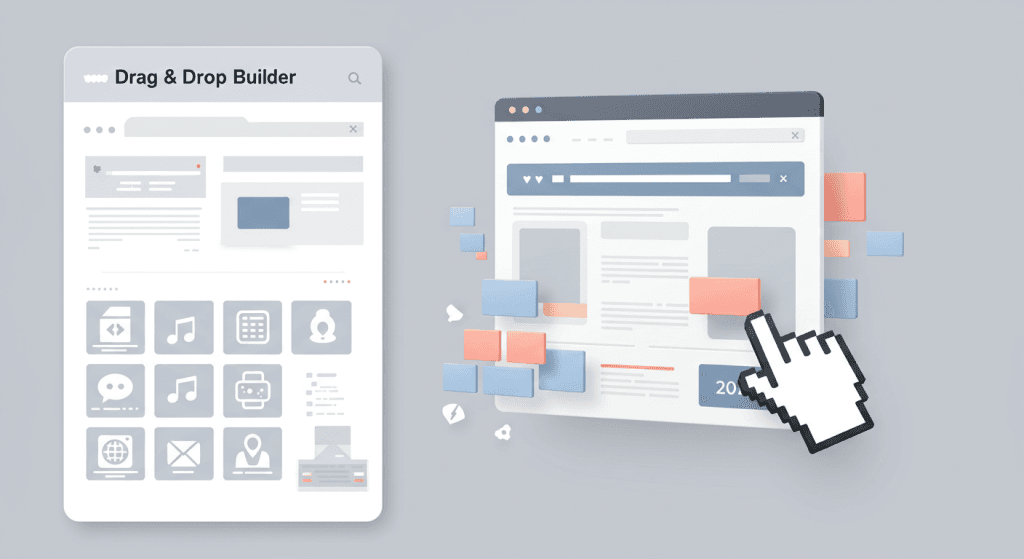
WordPress Page Builders are tools that let you design and customize your website visually, bypassing the need for coding. Unlike the default WordPress Block Editor, these builders provide greater flexibility and advanced design options. With drag-and-drop functionality, you can create custom layouts, integrate features like contact forms or sliders, and design your site exactly how you envision it, and the best part is, you don’t need to tauch a line of code.
Whether you’re building a blog, an online store, or a portfolio, WordPress Page Builders empower users of all skill levels to achieve professional results. They’re perfect for anyone who wants to build a website with WordPress without diving into complex code.
Why Use a WordPress Page Builder?
Let’s face it: coding isn’t for everyone. That’s where WordPress Page Builders shine. Here’s why they’re game-changers:
Drag-and-Drop Simplicity: No coding? No problem. Design your site visually with real-time previews.
Cost-Effective: Skip the high costs of hiring developers by creating your website yourself.
Customizable Templates: Use pre-designed templates to jumpstart your project and save time.
Mobile Optimization: Ensure your site looks great on all devices, from desktops to smartphones.
SEO-Ready: Many builders, like Elementor and Bricks, are optimized for fast loading times and better search engine rankings.
Whether you’re launching a blog, setting up an online store, or promoting your business, these tools make it easier than ever to create a polished, professional website.
What to Look for in a WordPress Page Builder
Not all page builders are created equal, so it’s essential to choose one that aligns with your needs. Here are the key factors to consider:
Ease of Use: Look for an intuitive interface, especially if you’re a beginner.
Pre-Designed Templates: A robust library of templates can save you hours of design work.
Customizability: Ensure the builder allows for unique branding and advanced design options.
Performance: Lightweight builders that produce clean code are critical for fast loading times.
Mobile Responsiveness: A must-have for ensuring your site looks great on all devices.
Integration: Compatibility with essential plugins like WooCommerce, SEO tools, and more is crucial.
Pricing: Evaluate whether the free version meets your needs or if premium features are worth the investment.
With these criteria in mind, let’s dive into the best WordPress page builders for 2025.
The Best WordPress Page Builders for 2025
Here are the top five WordPress page builders that stand out for their features, ease of use, and performance.
🏆 1. Elementor
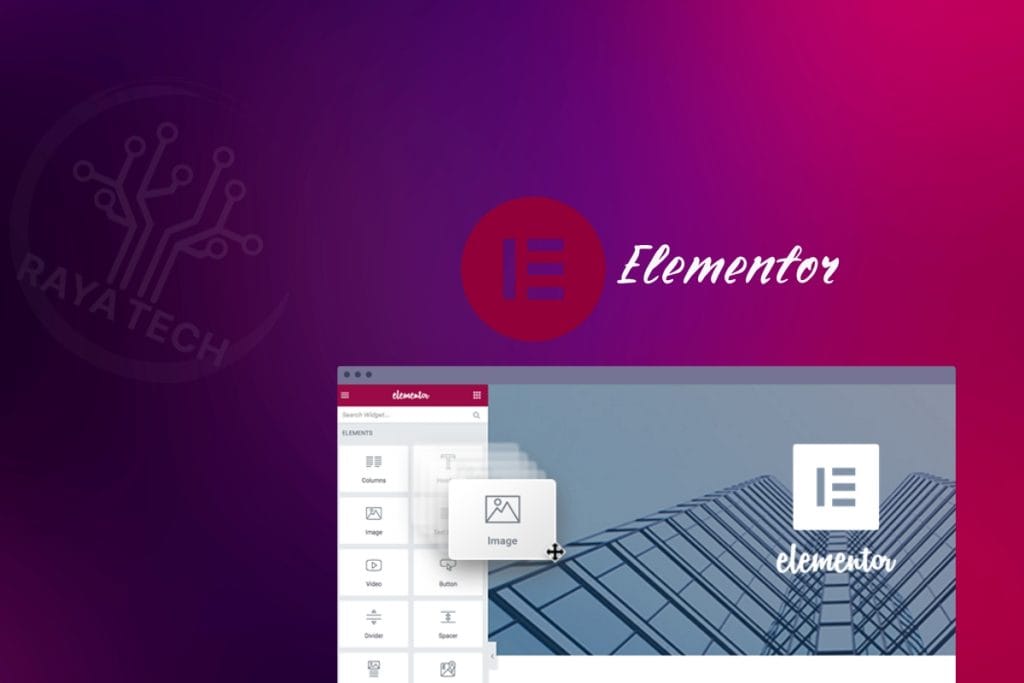
Elementor continues to dominate as one of the most popular WordPress Page Builders, boasting over 10 million active installations. Its user-friendly drag-and-drop editor makes it perfect for beginners, while advanced features cater to seasoned users. We have already covered Elementor in detail in our dedicated blog post, but here are the highlights:
Key Features:
Intuitive front-end editor with real-time previews.
A vast library of templates and widgets, including WooCommerce support.
Built-in performance optimization tools for fast-loading pages.
Pros:
Extensive third-party plugin integrations.
Suitable for both beginners and experts.
Excellent template library for faster builds.
Cons:
Performance can slow down with heavy use.
Some advanced features require the Pro version.
Best Suited For: Small businesses, bloggers, and e-commerce entrepreneurs.
📐 2. Oxygen
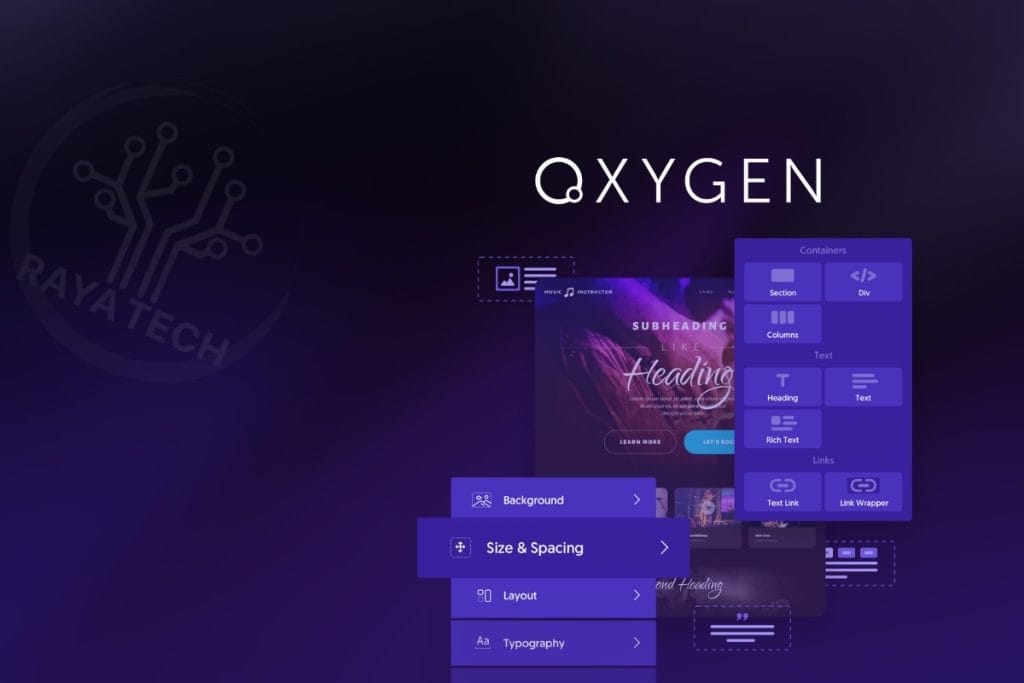
Oxygen is a powerhouse builder designed for developers and advanced users. It provides unparalleled control over your website’s design and functionality, making it a favorite amongst professionals.
Key Features:
Full site builder for headers, footers, and content.
Drag-and-drop functionality with real-time editing.
WooCommerce customization and conditional logic.
Pros:
Lightweight and performance-focused.
Lifetime updates included.
Cons:
Steeper learning curve.
Fewer templates compared to competitors.
Best Suited For: Developers and agencies focused on performance-driven websites.
⚡ 3. Bricks
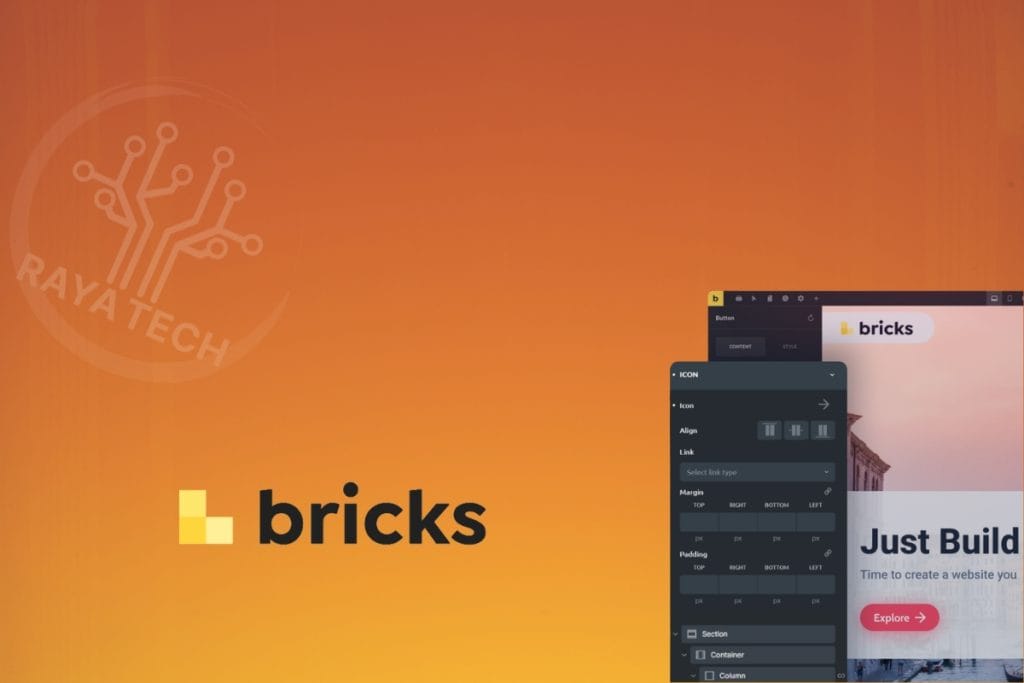
Bricks is a rising star among WordPress Page Builders. It operates as a full WordPress theme with drag-and-drop capabilities, offering excellent performance and customization options.
Key Features:
Theme-based builder with dynamic data support.
Pre-designed templates and custom template creation.
Focus on clean code and fast loading times.
Pros:
Combines theme and page builder functionalities.
Strong performance focus.
Cons:
- Newer to the market, so fewer resources are available.
Best Suited For: Designers, developers, and small business owners.

🛠️ 4. Breakdance
Breakdance is a user-friendly page builder designed for those who want simplicity without sacrificing power.
Key Features:
Visual builder interface with drag-and-drop functionality.
Extensive template library for quick builds.
WooCommerce integration for e-commerce sites.
Pros:
- Simple interface and good performance optimization.
Cons:
- Limited features compared to more established builders like Elementor.
Best Suited For: Beginners to intermediate users.
🛒 5. UX Builder (Flatsome)
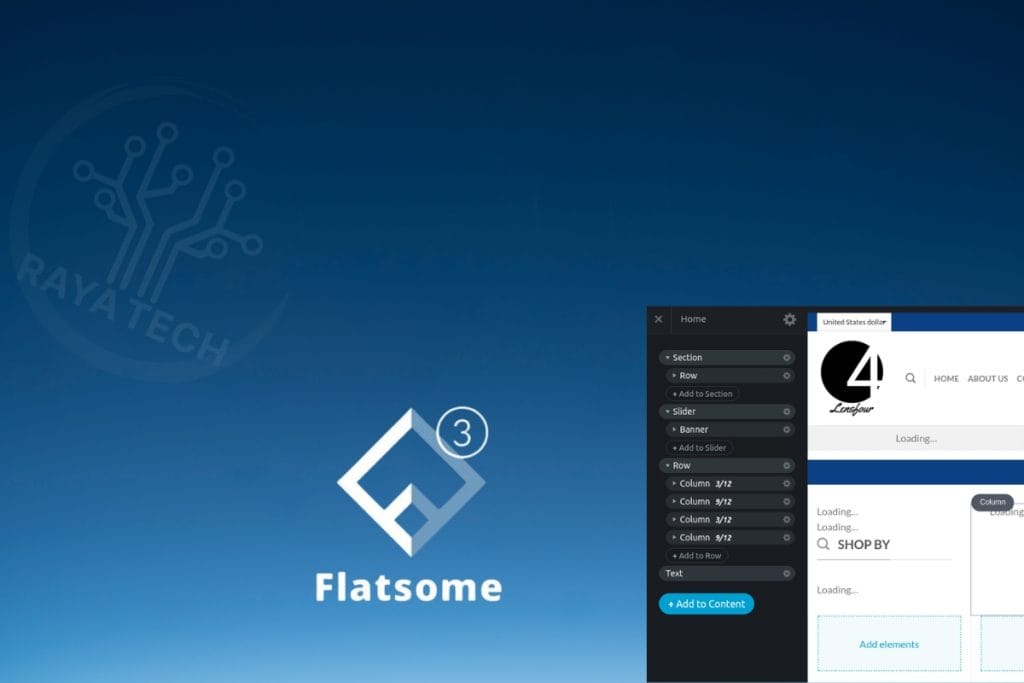
UX Builder is tailored specifically for the Flatsome theme, making it an excellent choice for e-commerce businesses.
Key Features:
Drag-and-drop editor optimized for Flatsome users.
Built-in tools for customizing product pages and shop layouts.
Pre-designed templates for quick setup.
Pros:
- Seamless integration with WooCommerce.
Cons:
- Limited to Flatsome users.
Best Suited For: E-commerce businesses using the Flatsome theme.
How to Choose the Right Page Builder
Selecting the best WordPress page builder depends on your specific needs:
For beginners: Elementor or Breakdance are excellent choices.
For developers: Oxygen offers unmatched customization and performance.
For e-commerce: UX Builder is ideal for WooCommerce stores using Flatsome theme.
For performance: Bricks is a lightweight, fast-loading option.
Take advantage of free trials or demos to test the builders before committing.
Conclusion: Build Your Dream Website Today
Building a website with WordPress has never been easier, thanks to these powerful drag-and-drop website builders. Whether you’re a beginner or an experienced developer, there’s a tool that fits your needs. From the feature-packed Elementor to the developer-focused Oxygen, these page builders empower you to create stunning, high-performing websites without writing a single line of code.
Ready to start building your dream website? Let RayaTech help you choose the right page builder and design a site that meets your goals. Contact us today for a free consultation!