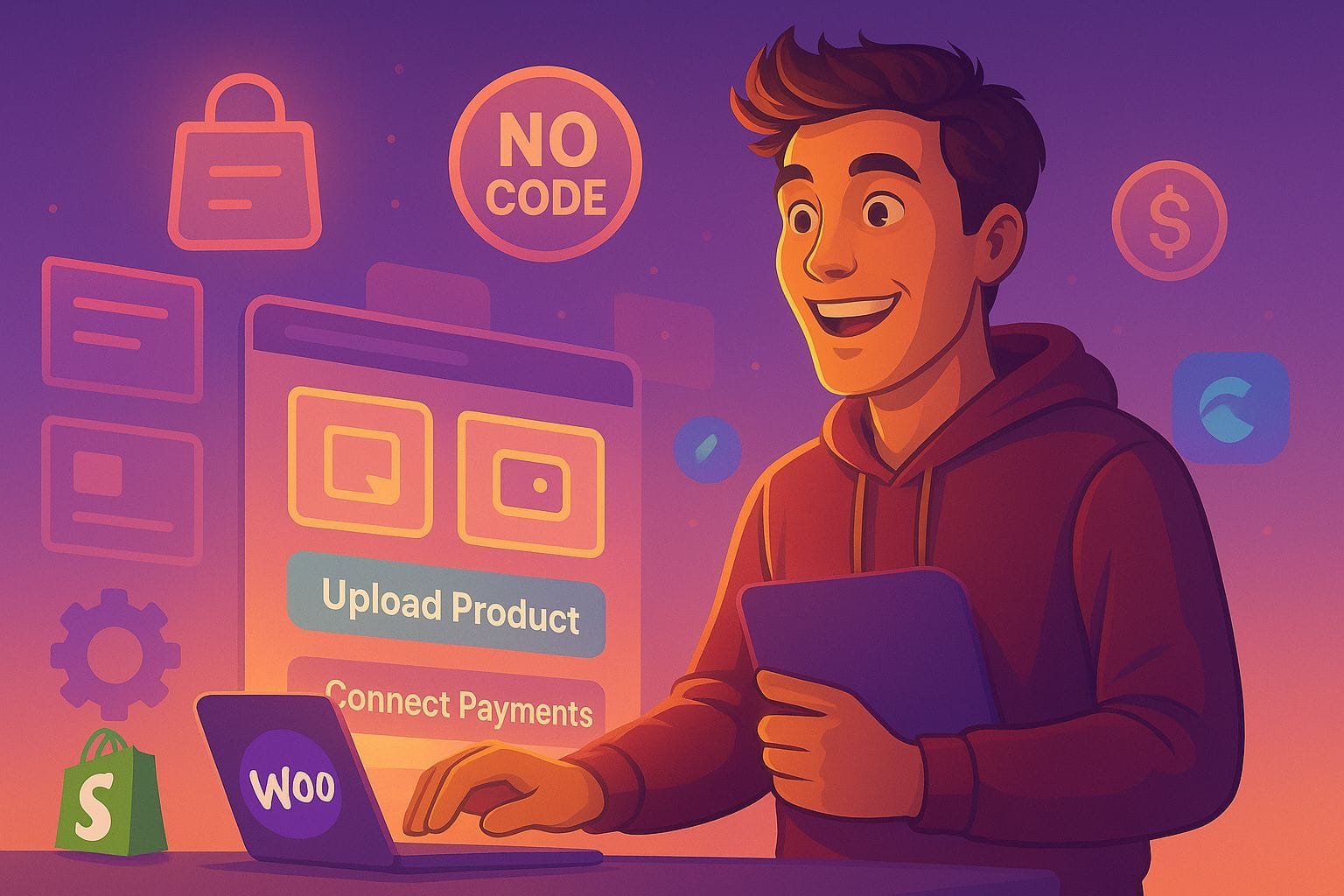
Want to start an online store but hate the thought of coding? The internet’s changed. Now, building an e-commerce site is easier than you think. How about a website to do business on the internet without writing code? Sounds good? This guide will explain how to make no code online shop using cheap or free software. Wave goodbye to tricky code and lengthy construction. We’ll create an ecommerce no-code website builder toolset anyone can use. Let’s get your business online!
💡 New to ecommerce? Start with our complete guide on How to Create an Ecommerce Website That Sells!

1. Decide What You Want to Sell
So, you’re ready to start an online shop. First, what will you sell? This is important because it affects everything else you do. Think of it like this: the perfect ingredients before you start cooking; it sets the stage for a delicious outcome. Here’s a few options for your no-code ecommerce solutions:
- Physical Products: The old-school way: selling actual stuff! Think about unique stuff you can find and sell. Hand-made jewelry, eco-friendly clothes, great-tasting coffee, or even old collectibles work. Start with dropshipping, a way to test the waters without big risks. Dropshipping lets you sell things without keeping them in stock. You don’t need a warehouse! When somebody buys from you, the order goes to a supplier who ships it. AliExpress and Spocket are some sites for finding dropshippers. Imagine selling the next cool tech gadget, a new trend in home decor, or special sports gear, without having to pack things or ship them. That leaves you time for actually growing your business! Apparently, dropshipping could hit $557.91 billion by that one year… 2026! Great time to get in!
- Digital Products: Got skills? Share them online by selling ebooks, courses, templates, music, software, or art. Digital stuff is hot! Plus, better profit margins. Gumroad or Lemon Squeezy are like, made for creators. Payments and delivery are taken care of automatically. Think about that: a photography book, a website design pack, your next hit song, workout guides, or just your cool art. Digital products sell forever with no extra work.
- Print-on-Demand (POD): Want to be creative, but hate keeping an inventory? Print-on-demand exists! Sell your own designs on t-shirts, mugs, posters – you name it. When somebody orders, Printful or Gelato prints it and ships! Your part? Design the items, market them and build your brand. POD lets you see what works without any investment in stock. Imagine art on a million products that customers enjoy around the world! Hobby-themed t-shirts are popular with many options to start with.
- Product Research Tools: Finding the thing you can sell is vital to a successful business. Use tools that find trends, see what’s popular, and check out the competition. Angage helps here! It finds trending product ideas, analyzes market demand in real-time, and even checks on competitors. Knowing what people search for can give you a leg up. Don’t guess – use data to make a smart choice. Ahrefs and Semrush can help here.
2. Choose a No-Code Ecommerce Website Builder
Time for the important part: picking a no-code ecommerce website builder! These sites let you build great stores without code. No need to hire developers or learn tricky languages. Now, anyone can start an e-commerce business. Lots of choices exist, and it’s all about your needs, budget, and ability. Here are a few worth a look:
- Shopify: Biggest name in the game. It covers almost everything: site design, payments and shipping. Super easy for beginners. Offers themes and apps to customize your store to fit your brand. It has payment plans, but they do provide a test period that allows you to see if it is a good fit to your business. Plus, tons of help available! According to BuiltWith, Shopify is a popular choice because it is simple.
- WooCommerce: If you know WordPress, this is worth considering. It’s a free plugin that turns your WordPress site into a store. Takes a little more setup than Shopify, but you get more options and control. A big community makes plugins and themes for WooCommerce all the time. To start out, you only need to pay for hosting. This is a flexible free no-code tools to create ecommerce website option on a budget if you use WordPress. Experts say WooCommerce provides more freedom.
- Zyro: Want a sleek, modern look for a good price? Give Zyro a try. User-friendly, and it even has AI tools to make a website fast. It might not have all the features that Shopify does, but it ideal for beginners to get a quick and professional style without getting deep into the code. Check their site to see if they let you make no code online shop for free. Zyro is known for its templates and how easy it is to use.
- Sellfy: Only selling digital goods (ebooks, courses, music, etc.)? Sellfy is the answer. It focuses on digital downloads, so it offers a simple and streamlined checkout experience. Automatic payments, email marketing, product delivery, and even options to protect your file!
- Glide & Softr: Thinking phone-first? Check out Glide and Softr. They make mobile-ready apps and web apps perfect for online stores. These are great for showing products on the go. Turn those apps into progressive web apps (PWAs) for even more customization.
3. Name Your Shop and Register a Domain
What will you call it? Pick a name people will remember, and then get a website address (domain name) with it. The shop name is part of your brand, so it better be good! Needs to be catchy, easy to say, relevant, and match your brand. After you make a list, see if the names are available as websites (.com, .net, .org) and social media usernames. That online consistency is key!
- Name Generators: Got brain fog? Name generators can help you find fresh ideas. Namelix or Shopify’s generator can suggest cool names. Enter a few words about your business, and boom – fresh names.
- Domain Registration: Found the perfect name? Register the name through Google Domains, Namecheap, or through your website platform (Shopify). Do it quick, before somebody else steals your name. They typically cost $10-15 each year, a tiny investment for your online presence.
4. Create a Logo Without a Designer
A logo is the face of your brand. Doesn’t need to be fancy or cost a fortune. Lots of easy design tools can help you make a professional logo without hiring anyone.
- Free Logo Makers: Canva, Looka, and Ucraft all work well here. Drag-and-drop, ready-made templates, and tons of options for fonts, colors, and icons. Keep it simple, memorable, and recognizable everywhere. It should also look good no matter the size. Make sure the license allows you to use it commercially to sell products.
5. Design and Customize Your Storefront
Time to get creative and bring your brand to life! Most of the no-code builders utilize the drag-and-drop interfaces, allowing you to avoid writing code. Customize with images, text, interactive options, and create something unique that captures the shoppers attention.
- Key Pages: Concentrate your customization on specific pages to maximize user interaction:
- Homepage: Set the mood with product display and a simple to use interface
- Product Pages: Use quality images to attract customers, include product descriptions with benefit
- Checkout Page: A streamlined process for a quality checkout experience. Allow multiple payments and make it easy to enter information
- Alternative Platforms: Do you need even more flexibility? Framer and Dorik are alternative no-code builders with design options and capabilities. These do require experience, but allow you to tailor-make storefronts to highlight your design.
6. Add Products and Set Up Payments
Stock your virtual shelves and get ready to open! Adding your products requires listing high quality images that highlight benefits, including descriptions that entice and competitive pricing to build profit. Organize each product into logical categories to allow for easier searching.
- Payment Gateways: Gateways like Stripe, PayPal, or Square easily allow customers to securely purchase your products. Integrate your gateway and allow a secure and easy checkout experience.
- Inventory Management: Products and inventory will need to be tracked to alert you of overselling. Maintain accurate stocking numbers and utilize third-party options to track.
7. Launch and Promote Your Store
Congrats, you did it! Before everyone sees your site, though, test everything. Are the links working right? Does checkout flow smoothly? Does it all look good on phones and computers?
- Free Marketing Strategies:
- Canva: Use this design tool to add professional marketing to social media postings
- Buffer/Later: Pre-schedule postings on social media with management tools for consistency
- Niche Communities & Social Platforms: Talk to your audience and participate in relevant communities online to generate traffic.
- Dropshipping Automation Tools: If dropshipping, automation streamlines order fulfillment and inventory management.
Conclusion
Setting up an online shop back in the day felt like climbing Mount Everest in flip-flops. But, thanks to modern tech, it’s so much easier to make no-code online shop. The power and flexibility of no-code tools mean that anyone, regardless of their tech skills, can build an online shop for free (or pretty darn cheap). Now, with a few clicks, people can share they love with the world. What are you waiting for? Start building now!
Want more? RayaTech will help optimize your business with online consulting to refine your business strategy. Reach out today to change your online presence into a thriving and growing success.